
A stuck garage door opener is frustrating and intrusive. Lost remote signals, reprogramming after a power outage – there are a couple of reasons you may have to reset a garage door opener. The good news? It is easy to do with the proper instructions. Below is a step-by-step guide for homeowners to have their garage door openers operating smoothly once again.
Step-by-Step Instructions on How to Reset a Garage Door Opener
While the procedure varies depending on the company and brand of garage door openers, we can provide general advice to reset a garage door opener, and you’ll be in a good position to apply this advice to your own situation.
First, locate the “Learn” or “Program” button on your garage door opener. It should be found behind a cover plate on the back of the motor unit mounted to your ceiling. This button is the one that resets the system, but some older systems have other uses, so always refer to your own manual to determine what steps to take for your unit.
Press and hold the “Learn” button 6 to 10 seconds. This will erase stored memory, such as remote controls or keypad associations, that have been learned. If your garage light blinks or turns off, the system has been reset.
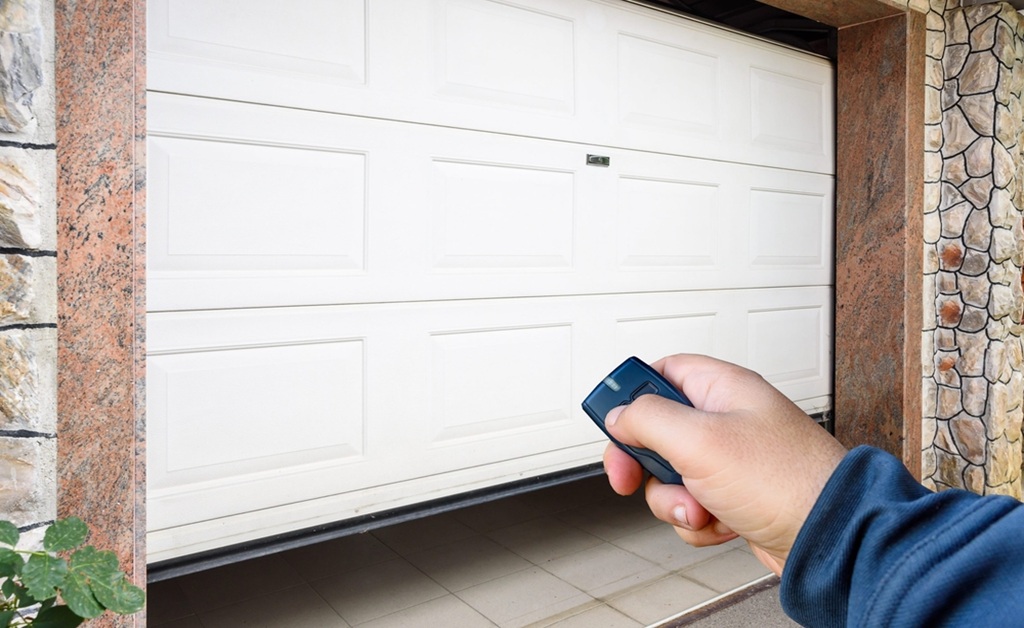
How do you reset a garage door opener after this step? Pairing your remotes or keypads with the opener will now be the next step. Press the “Learn” button again, but this time for just a second or two, and release it. Quickly press the desired button on your remote control or keypad; the opener light will blink to confirm the pairing. Repeat this process for any additional remotes you’d like to connect.
After finishing, test your garage door by operating it open and closed to confirm everything is fine.
Fixing Common Reset Issues
Simple as the resetting a garage door opener process is, problems can sometimes occur. Some owners, for example, discover their remotes simply won’t function even after resetting and re-pairing. That might be a sign of batteries in your remotes and should be the first thing to replace.
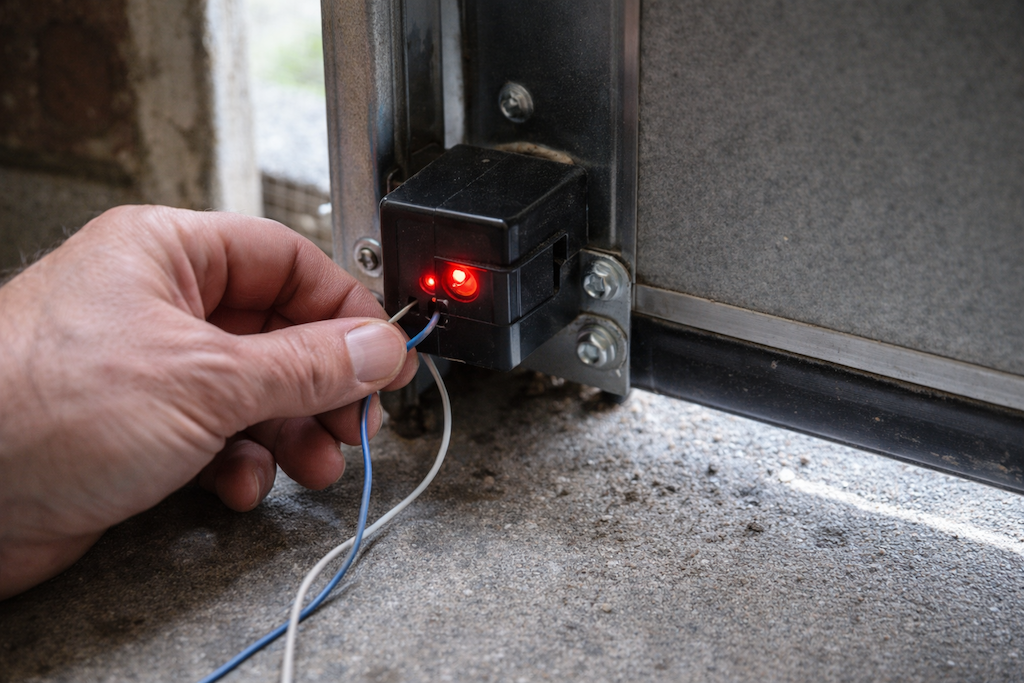
If, on reset, the opener motor light does not come on, verify power and wiring to the unit. Temporary power loss or contact may be adequate in some cases to cause a failure of the unit as well.
For older units, new remote or keypad compatibility is also something that can be a frustrating issue, so you would have to replace your opener system or accessories. Interference from other electronics around is another potential issue when putting something into an outlet.
Finally, if you don’t feel like trying to do it yourself, or you experience recurring issues, think about hiring a professional garage door technician. They’ll repair nagging issues and keep everything operating correctly and safely.
Regular Maintenance Keeps Your Garage Door System in Top Condition
With this, you now know how to reset your garage door opener; it is more about taking care of your garage door system to keep it healthy. Maintenance habits like checking hardware periodically, lubricating moving parts, and replacing expired batteries keep your system in optimal condition and add years to its functional life.
If you’re looking for more resources to troubleshoot, maintain, or improve your garage door experience, visit our blog or contact a trusted expert in your area. A well-maintained garage door isn’t just functional; it’s a key element of your home’s convenience and security.